
I am very excited to share with you all my recent kitchen updates plus installing some smart home features!
Thank you to U.S. Cellular® for partnering with me on today’s post. As always, all thoughts, opinions, and product selections are my own. Click here to read my full disclosure policy. Be sure to enter the giveaway at the end of this post!
With our recent coastal kitchen renovation, Kurtis and I decided to explore other elements of the space to make our home function as well and efficiently as possible!
As I mentioned a week or two back, we realized that we didn’t have a smoke detector anywhere near our kitchen. The closest one is above the staircase leading to our basement. So we started there, and then looked into other pieces that would work well for us.
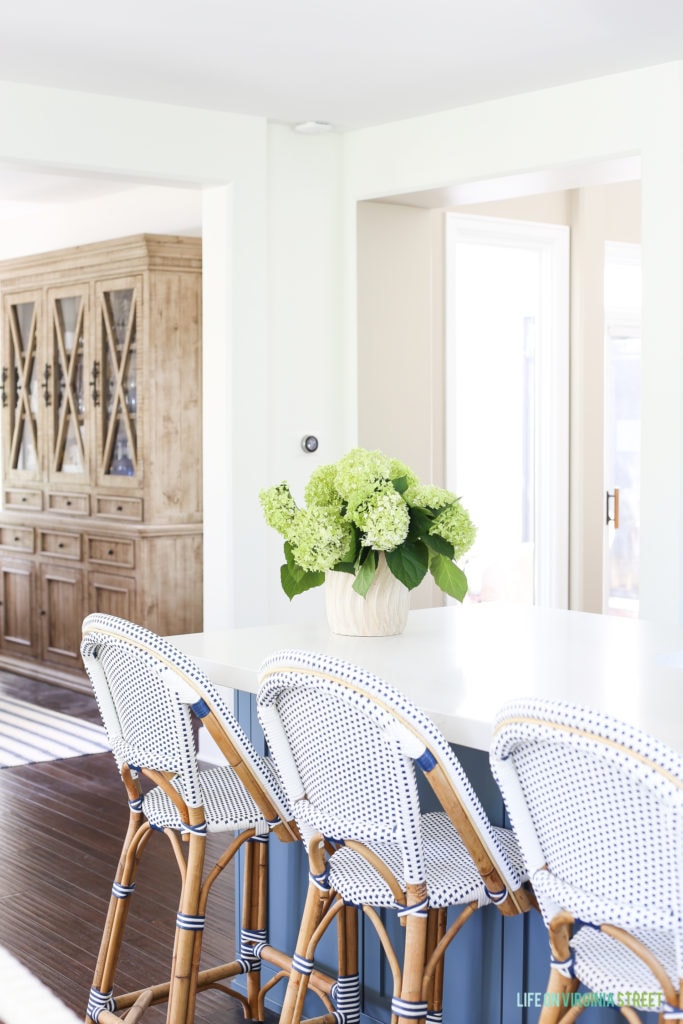
We installed the Nest Learning Thermostat, the Nest Protect Smoke and CO Alarm, and Google Home. Since we also have a gas range and gas fireplace in the area, the smoke detector and CO detector in the kitchen is perfect! Not only are the products we installed incredibly useful, but their sleek design doesn’t ruin the aesthetics of the newly renovated kitchen! Let’s dig into the details a bit further.
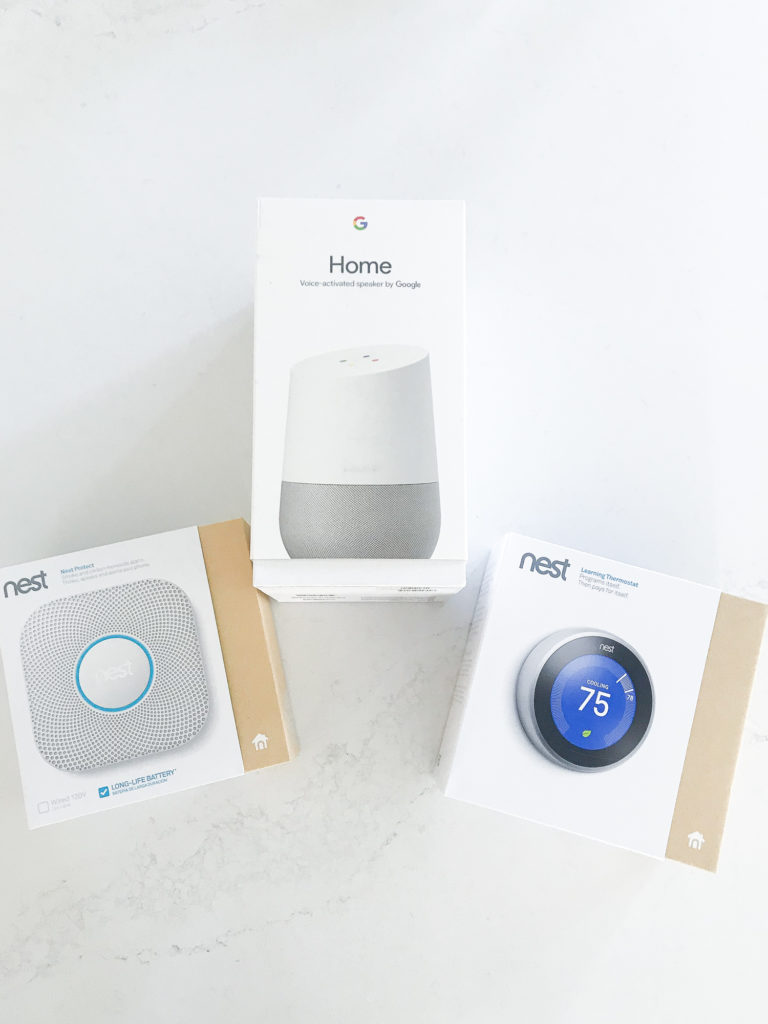
Typically we dread installing anything together. It never seems to end well. Thankfully these were all super quick to install, and only the thermostat had to be hardwired since we went with the battery operated smoke and CO detector.
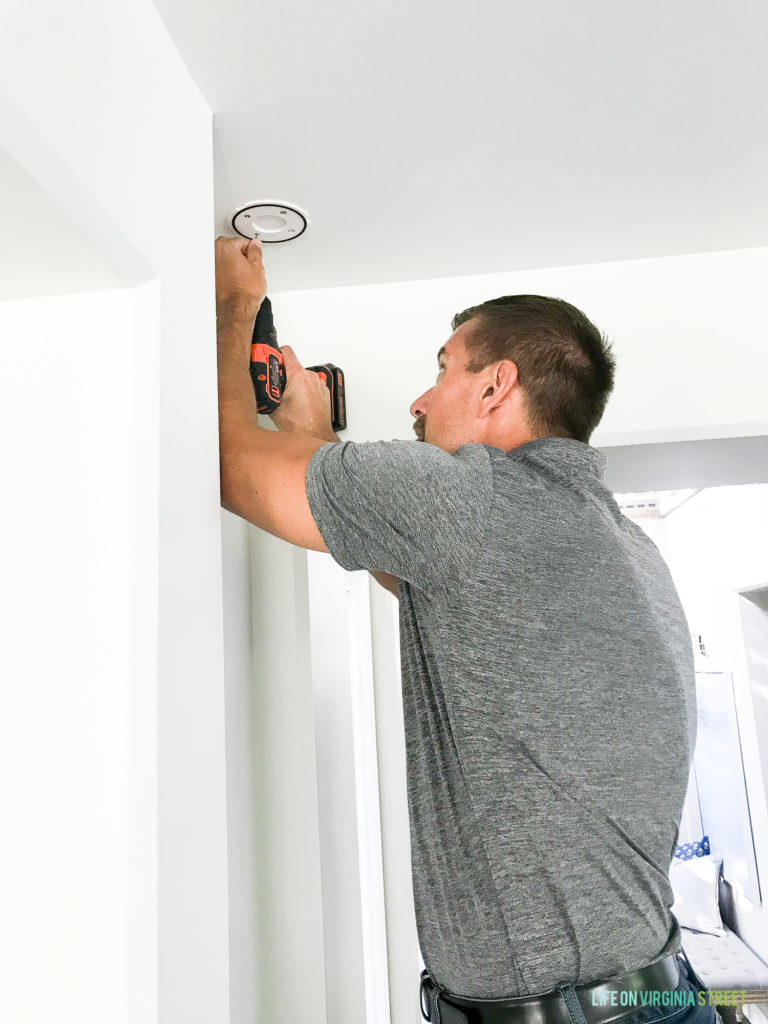
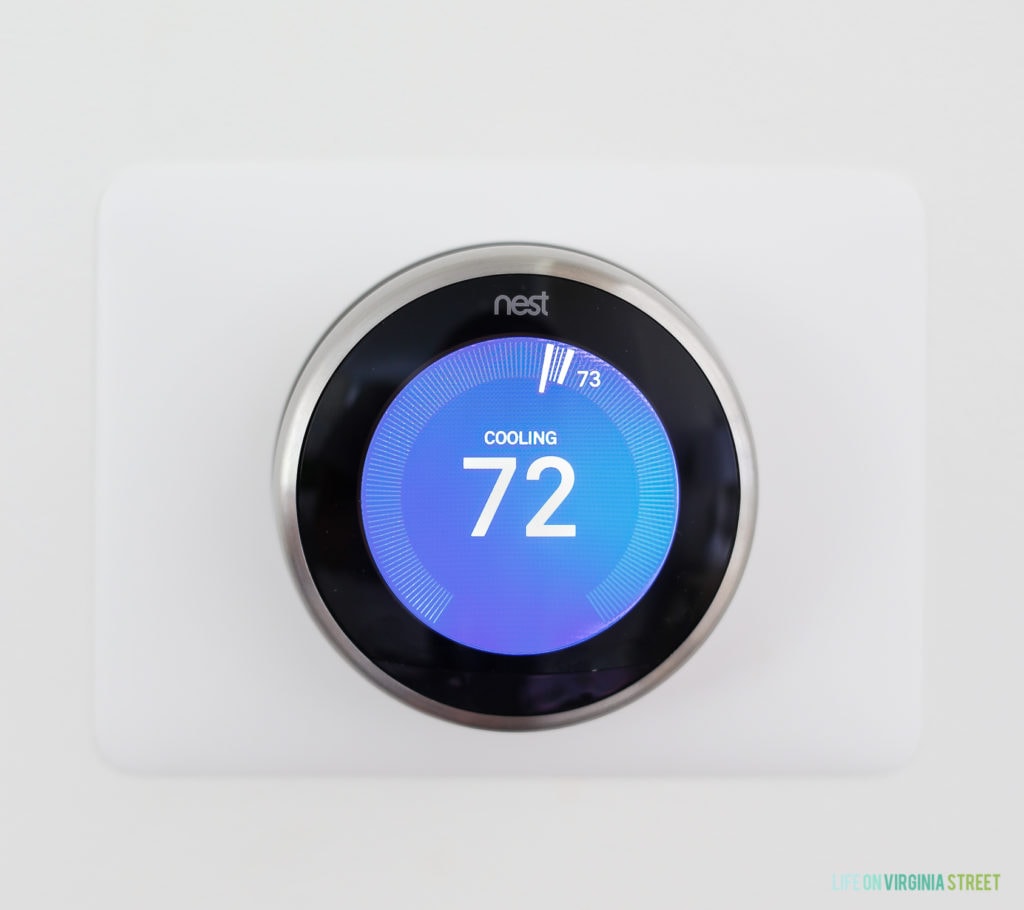
The Nest Learning Thermostat learns the temperature you like and programs itself in about a week. It automatically turns itself down when nobody’s home, helping you conserve energy. It was surprisingly easy to install and has already started to learn our temperature preferences.
The Nest Protect Smoke and CO Alarm has voice alarms with custom location (so you can check status on those in each room) and sends phone alerts, including when there’s a low-battery, smoke, carbon monoxide or a sensor failure has been detected. You can also easily activate the built-in motion sensor night light which is great for late-night trips to the kitchen!
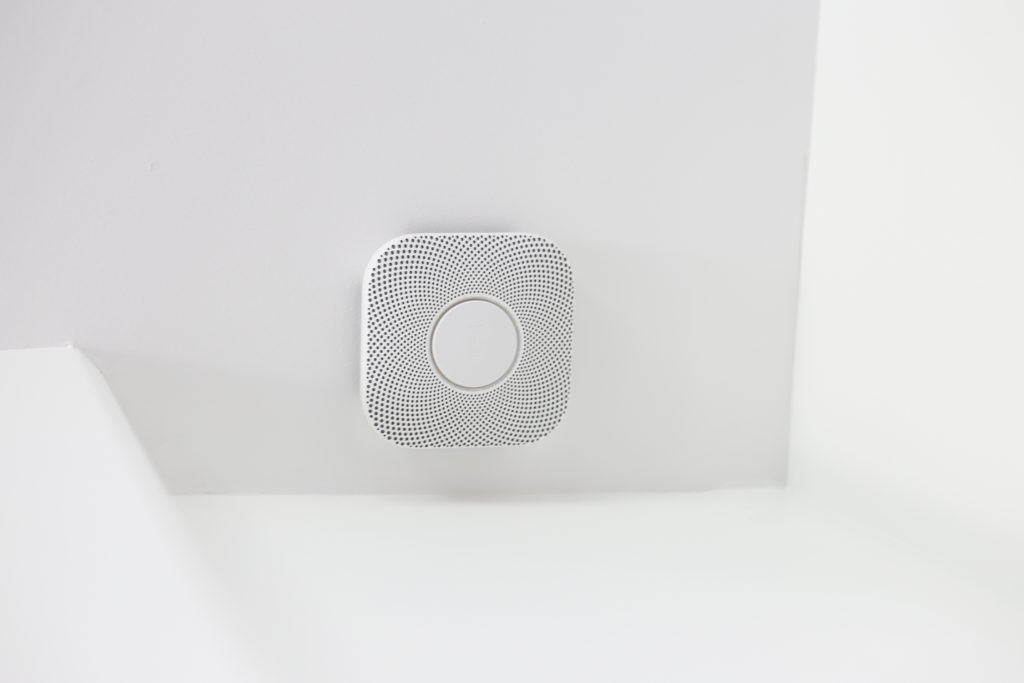
The set up is so easy for all of these. You download the app, scan the barcode and it walks you through all the steps. So easy, and the screen prompts ensure you won’t miss a step!
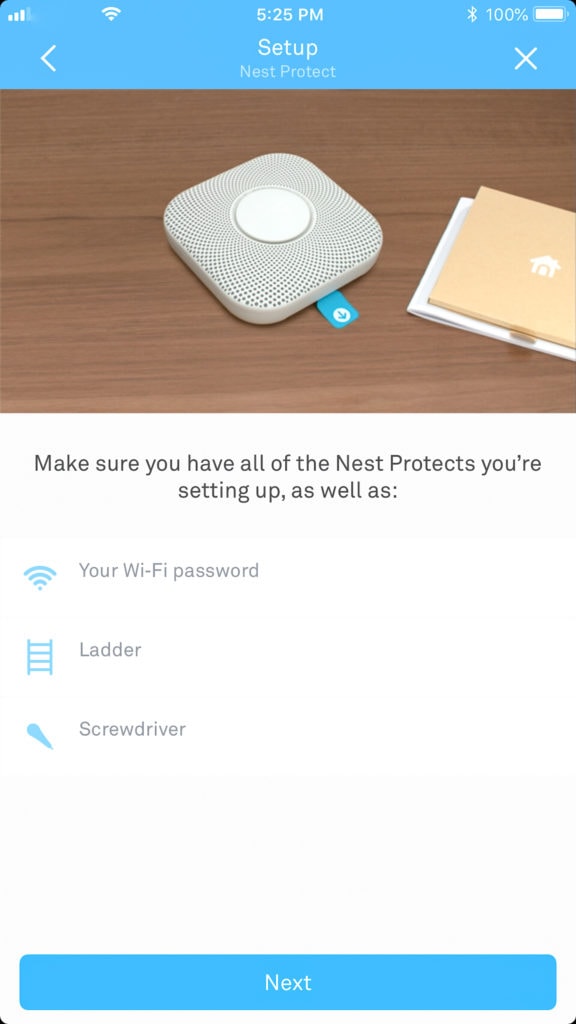
Here’s a wider shot of each of them once they were installed. The Nest Thermostat actually dims out, but will re-light when it detects motion nearby.
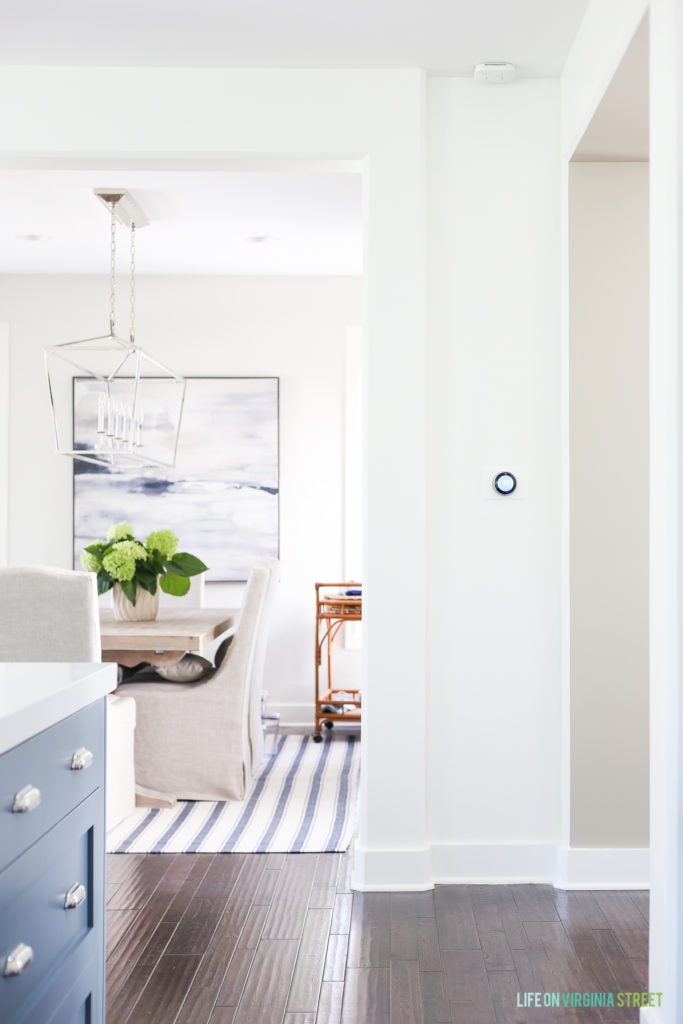
The best part is, we can check the status of the systems on the app, even when we’re away from home. With the cats, it’s reassuring to know everything is all clear. If something does happen, the app alerts us immediately. We can change the temperature remotely, as well!
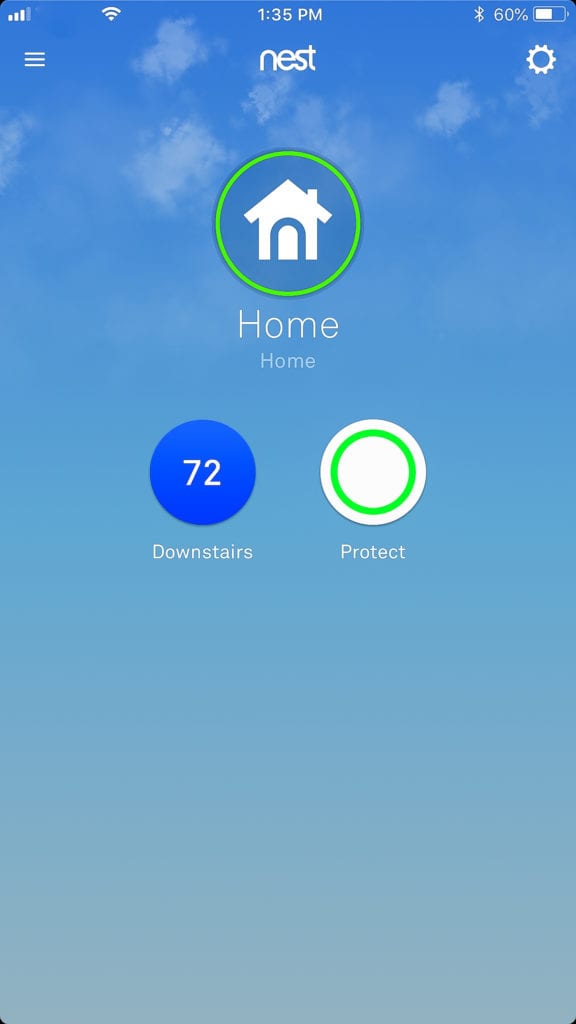
We also installed Google Home, which is powered by the Google Assistant. It’s basically like a talking version of using Google on your computer or your phone. And when you ask for help, it can distinguish your voice from others in your home for a more personalized experience. It can also turn up our Nest Thermostat and can control other things in our home like our smart TVs.
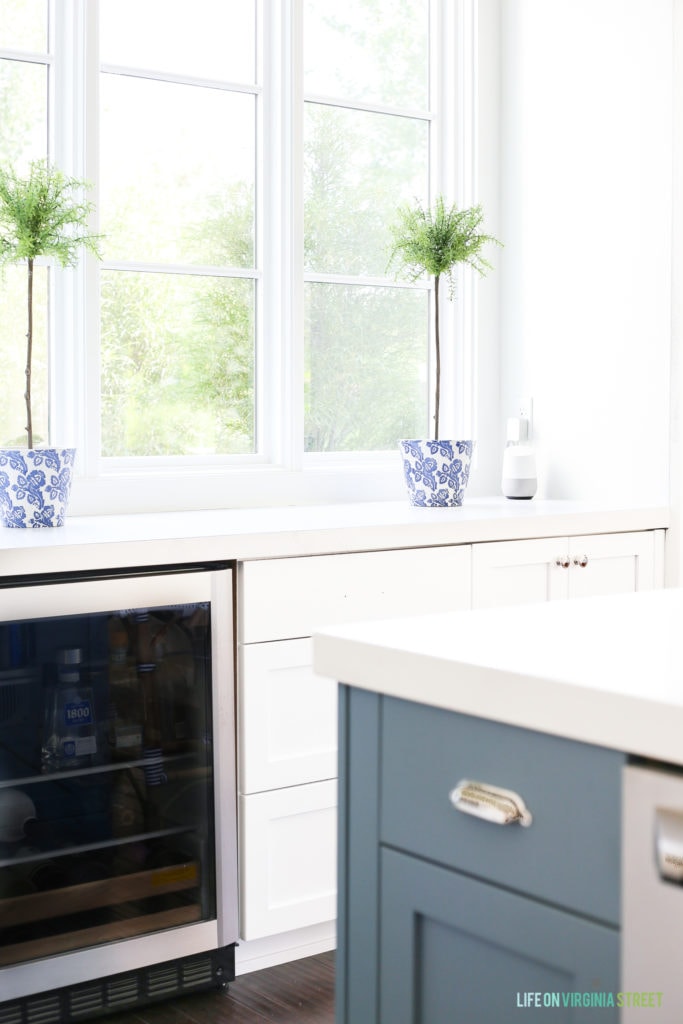
I love that the design is sleek and doesn’t clutter up our countertops! It’s so convenient to have in our gorgeous kitchen. We not only love playing music on it while we’re getting dinner ready, but we also love the convenience of having Google around for measurement conversions, random trivia, or whatever other info we need at any given time!

We couldn’t be happier with these useful additions to our kitchen! And we love that we can add additional coordinating smart home pieces down the road that can all be controlled from one app!
Now, U.S. Cellular® is giving you the chance to enter the Home Smart Home sweepstakes for a chance to win a $10,000 Connected Home Makeover or one of ten $1,000 Connected Home Packages. Enter online by clicking here. Good luck! I think you’d all love these additions to your home as well!
My favorite thing to ask my Google mini to do is add things to my shopping list. You say “okay google, add pepper to my shopping list.” I can do it during cooking!